
If you want to lift your conversion rate, you have to get inside your user's head. It’s about walking their path, spotting the friction points, and then methodically testing changes based on what the data tells you. This isn't about guesswork or chasing the latest shiny tactic. It’s a systematic process of setting clear goals, really watching user behaviour, and making smart, informed tweaks that directly boost your bottom line.
Before you even think about changing button colours or rewriting headlines, you need to get your head around what Conversion Rate Optimisation (CRO) really is. It's a structured approach, not just a random checklist of things to try. The whole idea is to understand your users so well that you can systematically remove every single obstacle that stops them from doing what you want them to do.
This all starts with defining what a 'conversion' actually means for your business, because it's not always a sale. A successful conversion could be any of these:
Once you’ve nailed that down, you can figure out your current rate. It’s a simple but incredibly powerful formula: (Number of Conversions / Total Number of Visitors) x 100. This percentage is a vital health check for your website, showing you exactly how well you’re turning casual visitors into valuable customers or leads. Getting a grip on these key https://virtualadagency.com.au/digital-marketing-performance-metrics/ is always the first real step toward making any meaningful improvement.
It’s easy to get excited and aim for a 10% conversion rate overnight, but realistic goals are always grounded in data. Here in Australia, the benchmarks can vary wildly between industries.
See how your performance stacks up with this summary of average conversion rates across different Australian sectors.
Australian Conversion Rate Benchmarks by Industry
| Industry Sector | Average Conversion Rate (AU) | Key Influencing Factor |
|---|---|---|
| eCommerce (Retail) | 1.78% | Product price point, brand trust, checkout complexity |
| B2B Services | 5.5% | Clarity of service offering, strength of case studies |
| SaaS (Software) | 3.2% | Free trial accessibility, clear value proposition |
| Finance & Insurance | 8.9% | Trust signals, form simplicity, competitive rates |
| Real Estate | 2.6% | Quality of listings, ease of contacting an agent |
| B2B Technology | 12.3% | Higher purchase intent, targeted demo/quote requests |
As of September 2024, the average Aussie eCommerce site was converting at around 1.78%, but B2B tech could see rates as high as 12.3% simply because the visitors have much higher intent. Knowing where you sit compared to your industry helps you set targets that are ambitious but achievable.
The biggest myth in CRO is that more traffic automatically equals more success. Driving thousands of visitors to a site that leaks conversions is like pouring water into a bucket full of holes. Fix the bucket first.
This visual really breaks down the simple, three-step foundation for any solid CRO strategy: know your goals, calculate your current performance, and set realistic targets.
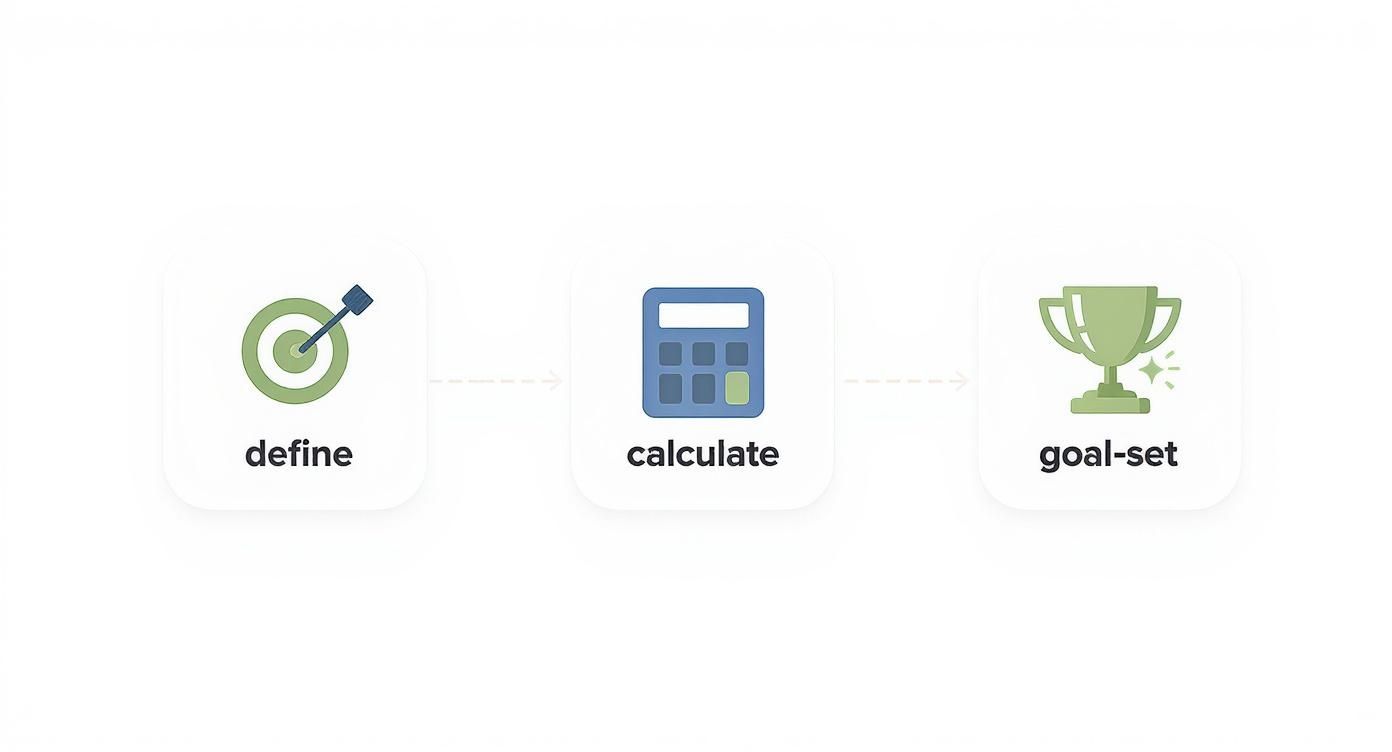
Nailing this foundational process ensures your optimisation efforts are focused, measurable, and perfectly aligned with your business goals right from the get-go.
Let's be blunt: you can’t improve what you don’t measure. A crucial part of this groundwork is setting up analytics that you can actually trust. This means going way beyond basic page views to track specific user actions, events, and goals.
Without precise data, any changes you make are just shots in the dark. For instance, understanding Google Ads conversion tracking best practices is absolutely critical if you’re running paid campaigns, as it’s the only way to connect your ad spend directly to results. This meticulous setup is what gives you the clarity to make data-driven decisions instead of just going with your gut.
Your journey to a better conversion rate begins by seeing your website through your customers' eyes. Guesswork simply won't cut it. It’s time to stop assuming what your users want and start observing what they actually do. Think of a User Experience (UX) audit as your roadmap to uncovering all the hidden friction points, confusing navigation, and frustrating errors that are quietly killing your conversions.
This isn’t about a massive, expensive website redesign. It's more of a methodical investigation into the customer journey, using hard data to pinpoint the exact moments people get stuck, hesitate, or just give up and leave. By identifying these issues, you can build a prioritised action plan based on solid evidence, not just someone's opinion.

The first move is to gather qualitative data—the kind that comes from watching real user behaviour. Tools that provide heatmaps and session recordings are absolute gold here, turning anonymous clicks into clear stories of user intent and frustration.
These tools help you look beyond just the numbers in your analytics and see the human struggle behind a high bounce rate. You might find out, for instance, that your checkout form completely resets after a tiny error, forcing people to re-enter all their details. That’s a classic conversion killer.
A thorough UX audit also involves gathering insights directly from your audience. Exploring Voice of Customer examples can give you incredible perspective on what your users really need and where their pain points are.
While every site has its own unique quirks, some areas are just notorious for creating friction. As you conduct your audit, pay close attention to these usual suspects to see how your website stacks up. A structured approach means you won't miss the obvious problems.
Here are the key areas to analyse:
These elements are the backbone of the customer journey. To get the full picture, it helps to map out these interactions visually. If you're looking to go deeper, you can learn more about this process with our guide on https://virtualadagency.com.au/what-is-customer-journey-mapping/.
A brilliant product on a confusing website will always underperform. Your UX is the bridge between your customer's problem and your solution—if that bridge is broken, no one gets across.
The point of this whole exercise isn’t to find someone to blame, but to build a clear, data-backed checklist of improvements. For instance, Conversion Rate Optimisation (CRO) agencies in Australia often report average conversion rate improvements of 34% across their campaigns just by systematically fixing these kinds of issues. They focus on things like optimising site speed—where just a 1-second improvement can lift conversions by about 2%—and building trust to turn websites into high-performing assets.
Once your audit is done, you'll have a list of friction points ready to go. The next step is to prioritise them based on two simple factors: how severe the problem is, and how easy it is to fix. This gives you a clear starting point for A/B testing, making sure you tackle the changes that will have the biggest impact on your conversion rate first.
You’ve done your UX audit and now you've got a tidy list of potential fixes. The temptation is to jump in and implement everything at once, but that's a mistake. Instead, this is where you let your users show you what actually works through the methodical process of A/B testing.
This approach is what separates the pros from the amateurs. It shifts your entire mindset from "I think this will work" to "I know this works," laying the foundation for genuine, data-driven conversion optimisation.
A/B testing (or split testing, as it's often called) is pretty straightforward at its core. It’s a controlled experiment where you pit two versions of a single element against each other to see which one performs better. You show Version 'A' (the control) to one half of your audience and Version 'B' (the variation) to the other.
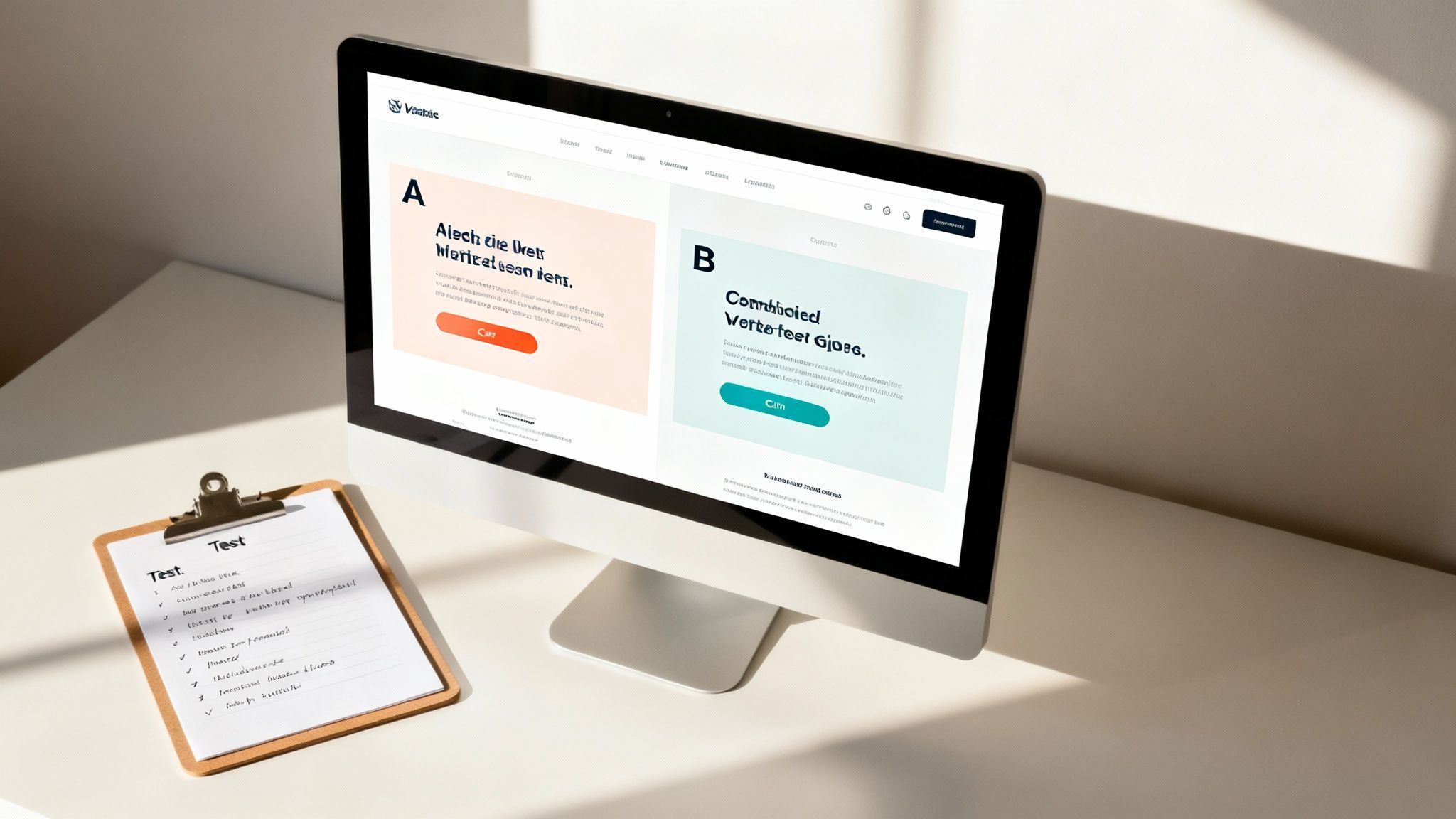
outperform a feature-focused one ("Our Serum Contains Hyaluronic Acid")?
To give you a more practical starting point, here are some specific ideas you can swipe for key pages on your site.
| Page Type | Element to Test | Example Variation |
|---|---|---|
| Homepage | Headline & Sub-headline | From "Innovative Cloud Solutions" to "The Easiest Way for Small Businesses to Manage Their Data." |
| Product Page | Call-to-Action (CTA) Button | Change button text from "Buy Now" to "Add to My Basket." |
| Product Page | Product Images | Replace static images with a 360-degree view or a short product video. |
| Landing Page | Form Fields | Reduce the number of fields from 5 to 3 by removing 'Phone Number' and 'Company Size'. |
| Pricing Page | Plan Layout | Change from a horizontal layout to a vertical, stacked layout for easier comparison. |
| Blog Post | Social Proof | Add a "As seen in Forbes & Inc." banner below the main headline. |
| Checkout | Trust Seals | Add security badges (e.g., McAfee, Norton) next to the credit card input fields. |
This table is just the tip of the iceberg, of course. The key is to start with changes that are directly tied to your primary conversion goals and test them methodically.
An A/B test without statistical significance is just an opinion poll. Make sure your testing tool confirms a confidence level of 95% or higher before you declare a winner. This tells you the results weren't just a fluke.
Once you get the hang of simple A/B tests, you can move on to more sophisticated strategies like personalisation. Instead of showing the same generic experience to everyone, you can start tailoring content, offers, and recommendations to specific audience segments. Think about it—you can customise what people see based on their behaviour, location, or past purchases.
This is where technology is really changing the game. AI and automation are becoming crucial for improving conversion rates, especially for Australian ecommerce businesses. AI-powered tools can analyse user behaviour to offer tailored product recommendations and even dynamic pricing in real-time. We've seen studies showing that AI-driven product suggestions can give conversion rates a massive boost. If you want to dive deeper, you can discover more insights about AI in conversion optimisation.
This level of customisation makes the user experience feel far more relevant and personal, which naturally drives conversions. A returning customer, for instance, might see a homepage banner featuring products related to their last purchase, while a brand-new visitor sees a welcome discount.
Ultimately, A/B testing isn't a one-off project; it's a continuous cycle of hypothesising, testing, learning, and iterating. It builds a culture where decisions are made based on hard evidence, not assumptions. And every single test, whether it wins or loses, teaches you something valuable about your customers, getting you one step closer to a perfectly optimised conversion funnel.
Let's be blunt: the words on your website are your 24/7 salesperson. They’re either closing deals or letting hot leads walk right out the digital door. If your copy is flat, confusing, or just plain boring, you're losing money. It's that simple.
To write copy that genuinely boosts your conversion rate, you need to stop thinking about describing and start thinking about persuading. It's a guided conversation. You have to get inside your visitor's head, anticipate their questions, feel their pain points, and then present your solution as the only logical choice.
Great copy doesn’t just list features; it sells a better future.
Your headline has one, and only one, job: to earn you the next three seconds of a visitor's attention. That's it. If it fails, the rest of the page might as well be invisible.
Vague, corporate-speak headlines like "Innovative Cloud Solutions" are a complete waste of prime real estate. They mean nothing and are instantly forgettable.
Now, consider something like, "The Easiest Way for Small Businesses to Tame Their Data Chaos." See the difference? It speaks directly to a specific audience (small businesses), promises a clear benefit (ease), and hits on a real pain point (data is chaotic). That’s a headline that gets the next click.
One of the most common—and costly—copywriting mistakes is leading with features instead of benefits. Your customer doesn't really care that your new drill has a lithium-ion battery; they care that they can build their entire deck on a single charge.
I always run every feature through the "So What?" test. It’s a simple but powerful way to shift your perspective.
Always, always frame your copy around the outcome for the customer. This isn't just a small tweak; it's a fundamental shift that underpins all persuasive writing.
Your customers don't buy your product; they buy a better version of themselves. Your copy should paint a vivid picture of what that better version looks like and how your product helps them get there.
Your Call-to-Action (CTA) is the moment of truth. It's where you ask for the conversion, and its clarity can make or break the entire page.
Please, stop using lazy, generic CTAs like "Submit" or "Click Here." They're uninspired and create friction because they don’t remind the user why they're clicking.
A powerful CTA is specific and completes the sentence "I want to…" from the user's point of view.
This microcopy reassures the user about what’s coming next and ties the action directly to the value they're about to receive.
Your words are powerful, but they become infinitely more persuasive when backed up by proof from other people. You need to strategically place social proof right at the points where a user feels doubt or hesitation.
Don't just bury your best testimonials on a dedicated page no one visits. Sprinkle them everywhere.
Put a killer customer quote right next to the "Add to Basket" button. Slap a banner of impressive client logos just below your homepage hero section. Display star ratings directly under product names on a category page. This kind of social validation is a powerful nudge, confirming that others have made the same choice and were happy they did. It makes the decision feel safer, and a safe customer is a buying customer.
Every single person who lands on your website arrives with a healthy dose of scepticism. It’s their default setting. Before they even think about clicking ‘Add to Cart’ or filling out a form, they’re subconsciously asking, “Can I trust this business?” If the answer isn’t a resounding “yes,” they’re gone.
Building trust isn’t just a nice-to-have; it’s a non-negotiable part of lifting your conversion rate. It's the invisible force that calms purchase anxiety and gives people the confidence to move forward. Without it, even the most beautifully designed website will fail to convert.

Trust signals are the visual cues that instantly reassure your visitors that your site is legitimate, secure, and professional. They work on a subconscious level, telling people that you take their security and satisfaction seriously.
You need these signals plastered in prominent spots, especially near key decision points like checkout pages or forms.
These elements are fundamental. They're the digital equivalent of a firm handshake and a clean, well-lit storefront.
For Australian shoppers in particular, uncertainty around shipping and returns is a major conversion killer. No one wants to be stung with an unexpected $20 shipping fee at the last second or discover that returning an item is a nightmare.
Being upfront about these policies isn't just good customer service; it’s a powerful conversion tactic. Don’t bury this stuff in your footer. Instead, feature it clearly on product pages and maybe even in a banner at the top of your site.
A simple statement like "Free Shipping on Orders Over $50" or "Easy 30-Day Returns" can proactively eliminate a huge source of friction, stopping visitors from abandoning their carts to go hunt for the fine print.
This kind of transparency builds what is known as brand equity—the perceived worth and trustworthiness of your brand in the eyes of the consumer. It's a critical asset, and you can learn more about what is brand equity and how to cultivate it in our detailed guide. When customers feel you're being honest and fair, they're far more likely to click 'buy'.
While your own claims are important, what other people say about you is infinitely more powerful. Social proof—in the form of reviews, testimonials, and user-generated content—is the ultimate trust builder because it’s authentic and relatable.
It’s one thing for you to say your product is great; it’s another thing entirely for a potential customer to see 150 other people saying it.
Here are a few ways to effectively use social proof:
This kind of proof moves your marketing from a monologue to a community conversation, making the decision to buy feel much safer and more validated for new customers. When you proactively build trust and address hesitation head-on, you create a smoother path to conversion, turning sceptical visitors into confident buyers.
When you're just getting your head around improving conversion rates, it's natural for a few practical questions to pop up. We’ve pulled together some of the most common ones we hear from businesses starting their Conversion Rate Optimisation (CRO) journey to give you some clear, straightforward answers.
This is a classic "how long is a piece of string?" question, but I'll give it a shot. The honest answer is: it varies.
If you’re running a simple A/B test on a headline or a button colour and you've got decent website traffic, you might see a statistically significant winner in just a few weeks. These are the quick wins that get the team excited.
But for the bigger, more meaningful changes—like a complete checkout process redesign—you're playing a longer game. Real CRO isn't a one-and-done project; it's a continuous cycle of testing, learning, and tweaking. Think of it as an ongoing commitment to improvement, not a quick fix. Sustainable growth comes from consistent effort over several months, not just a single campaign.
Your overall conversion rate is the headline act, but you need a solid supporting cast of metrics to really understand what's going on. These numbers give you the context behind the main conversion goal and help you pinpoint exactly where things are going wrong in the user journey.
Beyond the big one, keep a close eye on these:
It's also absolutely crucial to track micro-conversions. These are the smaller steps a user takes before the main conversion, like signing up for a newsletter, watching a product video, or downloading a guide. Tracking these little wins helps you spot friction points much earlier in the funnel.
This is a big one, and for most businesses, the answer is clear: focus on improving your conversion rate first.
Think about it. Driving a flood of new visitors to a website that doesn’t convert well is like pouring water into a leaky bucket. It's expensive and incredibly wasteful.
By optimising the website you already have, you squeeze more value out of every single visitor. It means every dollar you spend on SEO, Google Ads, or social media marketing goes further. Once you’ve plugged the leaks and have a site that’s converting at a respectable rate, then it’s time to crank up the traffic.
In the long run, you need a balance of both. But fixing the "leaks" in your conversion funnel should always be the priority. It ensures any future marketing spend delivers a much higher return.
This approach just makes good business sense. You're not just getting more eyeballs; you're building a machine that reliably turns those eyeballs into customers.
At Virtual Ad Agency, we specialise in building high-performing websites and marketing funnels that do exactly that—turn visitors into loyal customers. If you're ready to stop guessing and start making data-driven decisions that actually grow your business, let's have a chat. Explore our conversion optimisation services to see how we can help you hit your goals.

 previous