
Understanding the path your customers take, from initial awareness to loyal advocacy, is fundamental to delivering a superior experience. A disjointed or frustrating journey can lead to lost sales and damaged brand reputation. This is precisely the problem that customer journey mapping tools are designed to solve. They provide a structured framework to visualise, analyse, and optimise every touchpoint a customer has with your organisation.
This comprehensive guide dives deep into the best platforms available today, moving beyond surface-level descriptions to offer a practical analysis of each option. We have organised a detailed list to help you select the right tool for your specific business needs, whether you're a small team just starting out or a large enterprise looking to refine complex, multi-channel strategies.
Inside, you will find:
Our goal is to cut through the marketing noise and provide you with the clarity needed to make an informed decision. By visualising each stage, you can identify critical moments, pinpoint friction, and uncover opportunities for improvement. To better understand the practical applications of customer interaction tools within these journey stages, examine illumichat Customer Interaction Use Cases for real-world examples. Let’s explore the tools that will help you build a clearer picture of your customer’s experience.
UXPressia is a dedicated, all-in-one platform designed for creating comprehensive customer journey maps, personas, and impact maps. It excels by providing a professional, purpose-built environment that moves beyond basic flowchart software, making it one of the most robust customer journey mapping tools available for teams that need depth and scalability. Its interface is clean and intuitive, balancing powerful features with a surprisingly gentle learning curve.
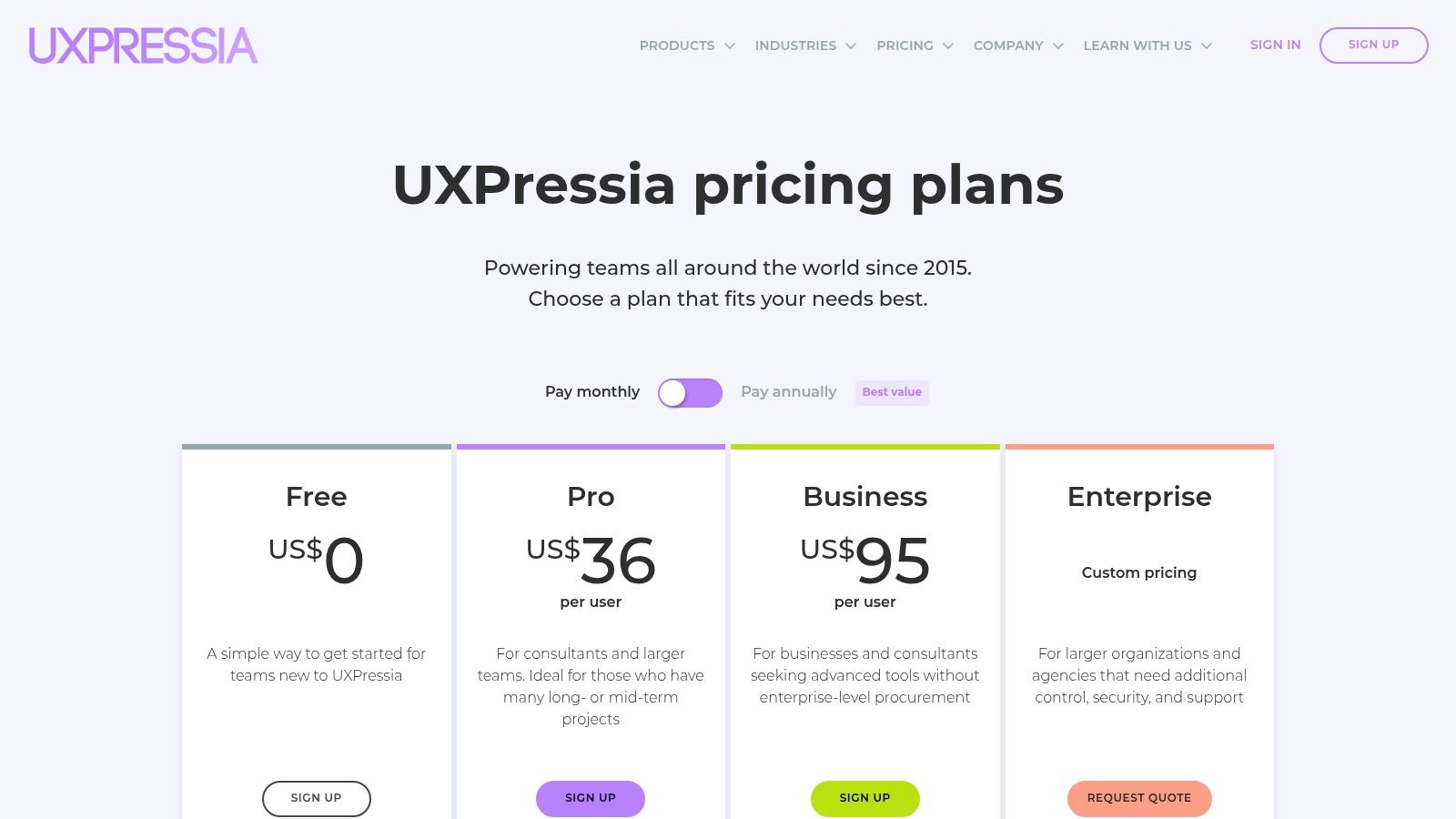
The platform’s strength lies in its collaborative features and efficiency tools. The Team Library allows you to save and reuse components like touchpoints, stages, and personas across multiple projects, ensuring consistency and saving significant time. For teams just starting out or needing a spark of inspiration, UXPressia's AI helpers can generate entire journey maps from a prompt, build detailed personas, or even digitise a map from a whiteboard photo.
UXPressia is best for cross-functional teams in medium to large businesses that need a centralised hub for all customer experience visualisations. It's ideal for mapping complex, multi-channel journeys where data integration is key. For example, a marketing team can connect Google Analytics to specific journey stages to validate assumptions with real traffic data, while the product team can link user stories directly to Jira or Azure DevOps. The platform is also great for presenting findings to stakeholders, thanks to its polished presentation mode and branded PDF/PNG exports.
| Pros | Cons |
|---|---|
| Highly professional outputs and presentation-ready maps | Performance can occasionally slow down on extremely large, complex maps |
| Strong collaborative features with mature permissions and version history | Key integrations and PPTX export are locked behind the more expensive Pro tier |
| Excellent AI-assisted features for rapid map and persona creation | No dedicated mobile app for on-the-go edits |
For a deeper dive into the foundational concepts, you can read more about what is customer journey mapping on virtualadagency.com.au.
Website: https://uxpressia.com/
Smaply is a professional platform that elevates the practice from simple visualisation to holistic journey management. Developed by the minds behind Service Design Thinking, it’s built on a strong theoretical foundation, making it one of the most strategically robust customer journey mapping tools for organisations serious about customer-centricity. It focuses not just on creating individual maps, but on managing a whole portfolio of customer experiences and stakeholders.
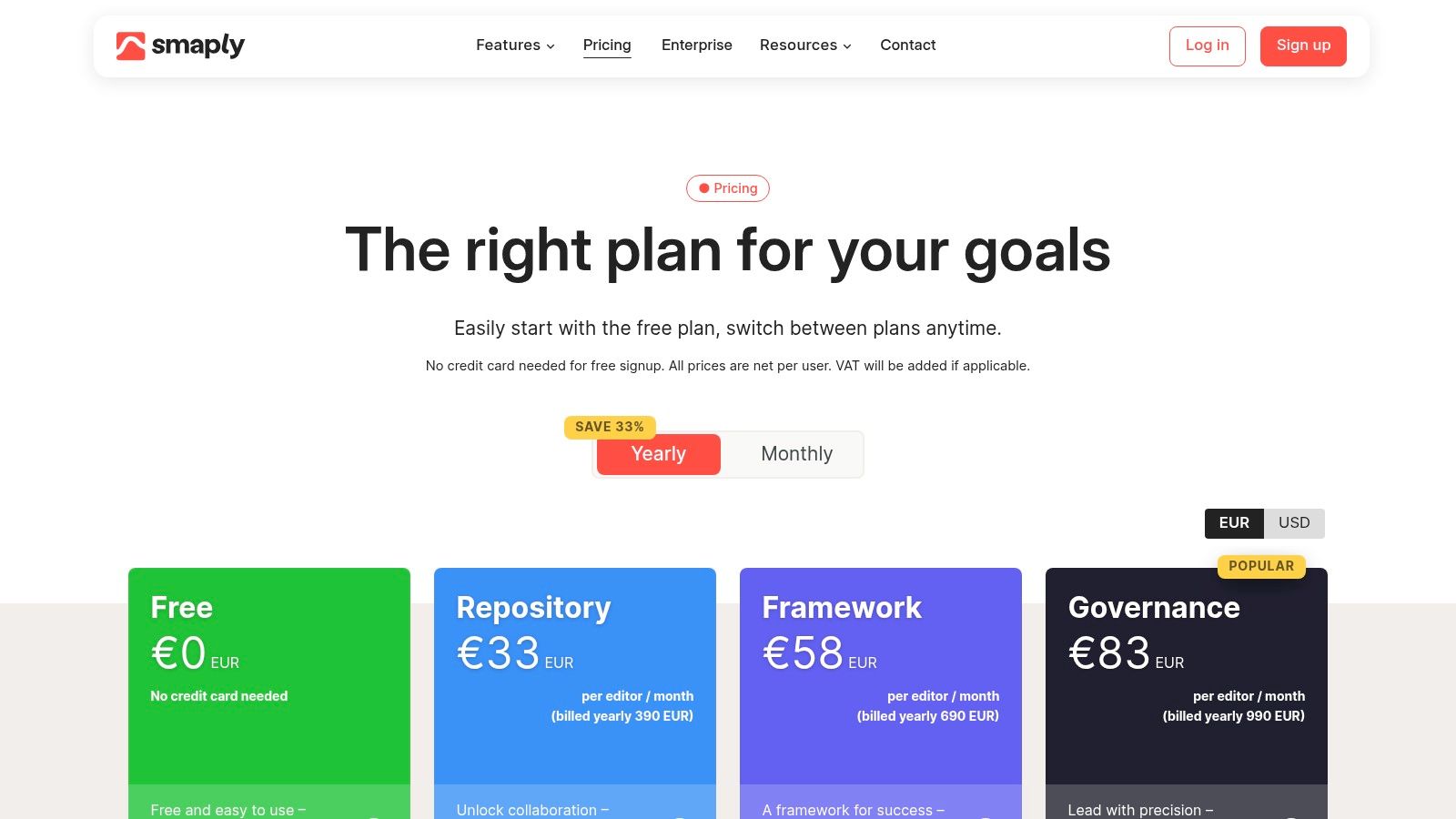
The platform's standout feature is its ability to create hierarchies, linking micro-journeys to larger, overarching customer lifecycles. This allows teams to understand how smaller interactions contribute to the bigger picture. Smaply also offers powerful portfolio management features, like a prioritisation matrix, to help organisations decide where to focus their improvement efforts for the greatest impact. For enterprises, its governance controls and strong focus on enablement, including dedicated coaching, ensure the tool is adopted effectively across the business.
Smaply is best suited for mature service design teams, CX departments, and large enterprises that need to manage a complex ecosystem of journeys. Its strength lies in governance and strategic oversight. For instance, a large financial institution could use Smaply to map the high-level "home ownership" journey, then link detailed micro-journeys like "applying for a mortgage" or "making an insurance claim". The platform's integrations with Google Analytics, Power BI, and Jira allow teams to connect qualitative journey insights with quantitative data and development workflows, creating a single source of truth for customer experience management.
| Pros | Cons |
|---|---|
| Deep journey management capabilities beyond simple mapping | Viewer seats are limited on lower-tier plans, which can restrict sharing |
| Strong enablement through onboarding and coaching on higher plans | Advanced features like hierarchies are gated to more expensive Pro and Enterprise tiers |
| Excellent for managing complex journey portfolios and hierarchies | The interface can feel more academic and less intuitive than some competitors |
Website: https://www.smaply.com/
Custellence is a powerful journey mapping platform built with scalability and enterprise-level governance in mind. It shines in organisations that need to manage a large, interconnected library of maps while providing access to a broad range of stakeholders. Rather than focusing on all-in-one research features, Custellence prioritises the core mapping experience, offering map hierarchies and robust organisational tools that make it one of the best customer journey mapping tools for large-scale CX programs.
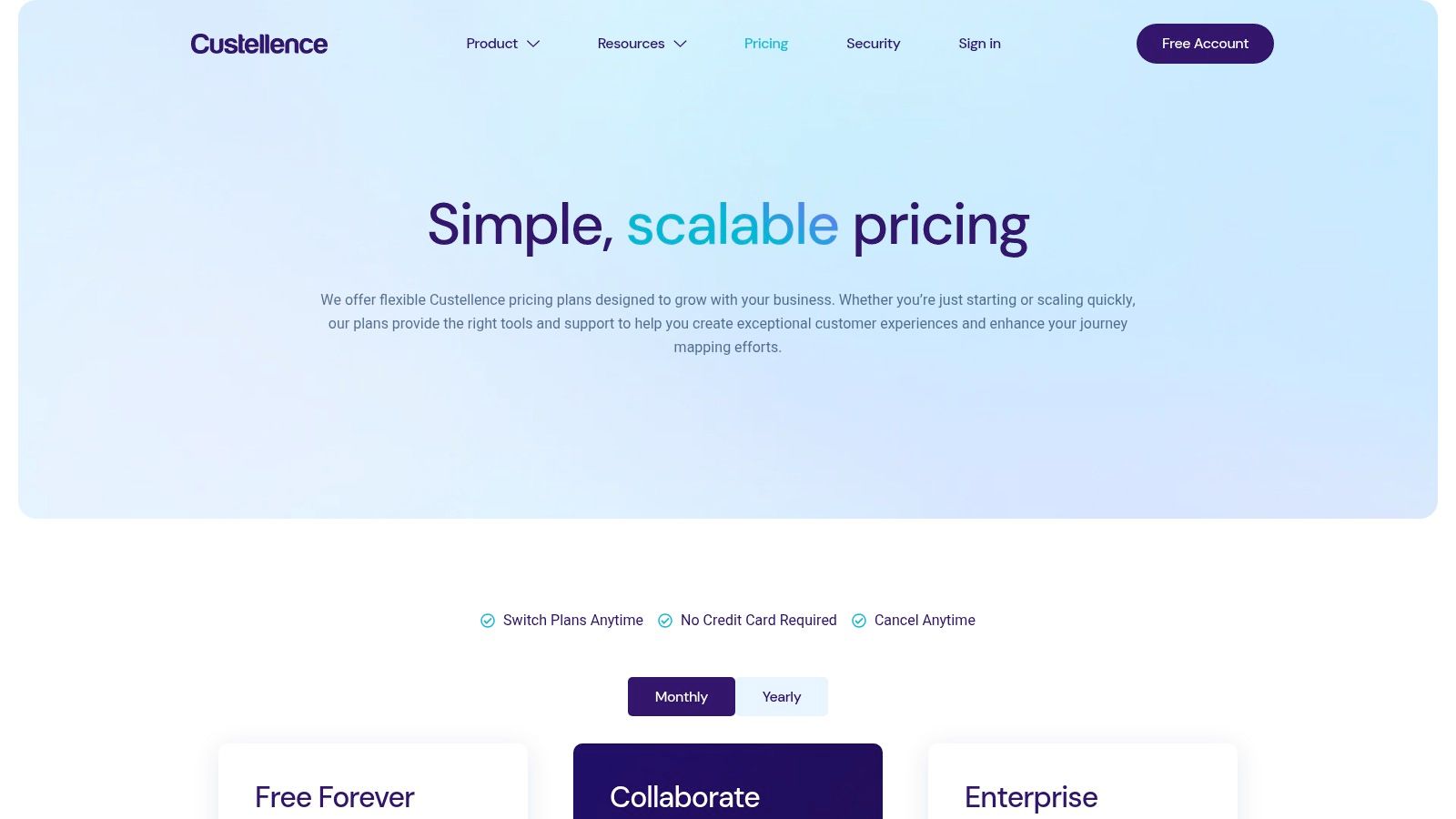
The platform’s key differentiator is its emphasis on collaboration and accessibility. The ability to add unlimited viewers on paid plans is a game-changer for organisations wanting to embed customer-centric thinking across all departments without incurring huge per-user costs. Its "Collections" feature allows teams to group related maps, personas, and files into dedicated workspaces, keeping complex projects organised and easy to navigate for everyone from the C-suite to frontline staff.
Custellence is best suited for large enterprises or consulting firms that manage extensive portfolios of customer journey maps. Its strength is in democratising CX insights. For example, a large financial institution can create a master journey map for "opening a new account" and then create child maps for specific channels like mobile, in-branch, and online. The unlimited viewer model means the entire company can access these insights, from marketing teams refining campaigns to developers understanding user pain points, fostering a truly shared understanding of the customer experience.
| Pros | Cons |
|---|---|
| Excellent for large map libraries and broad stakeholder access | Fewer integrated research tools compared to broader CX suites |
| Team-friendly pricing with unlimited viewers on paid plans | Paid plans are priced per workspace, which can be costly for multiple teams |
| Strong governance with roles, permissions, and map collections | Interface can feel less modern than some newer competitors |
Website: https://www.custellence.com/
Milkymap is an AI-enhanced platform that positions itself as a central hub for journey management, offering a user-friendly environment for creating and organising customer journey maps. It stands out by simplifying the mapping process with its AI assistant, "MilkyAi," which helps generate personas and journey stages, making it one of the more accessible customer journey mapping tools for teams new to the practice. The platform's interface is designed to be approachable, focusing on collaboration and clarity.
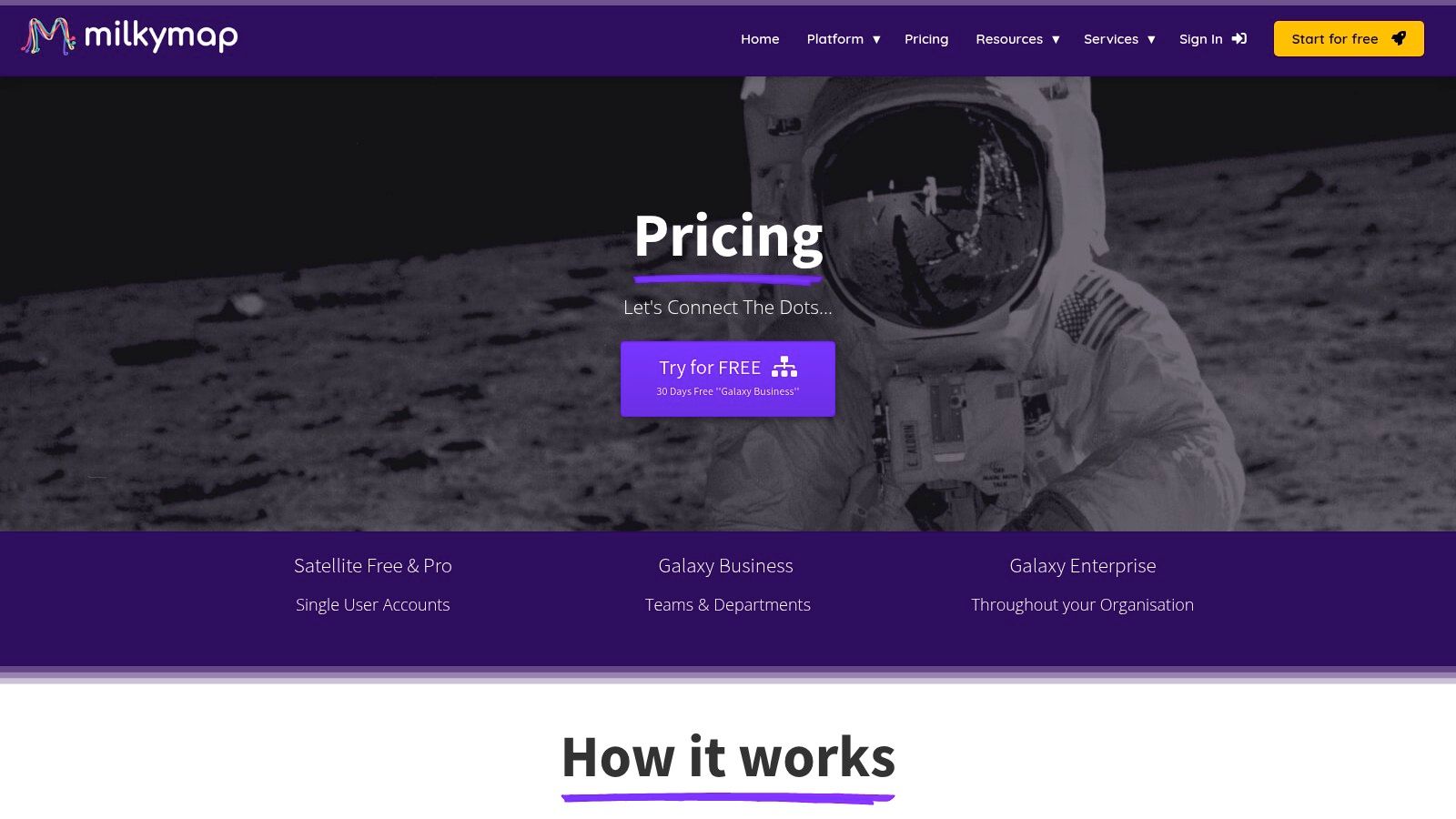
The core of Milkymap is its "Galaxy" environment, where teams can store, manage, and connect multiple journey maps to get a holistic view of the customer experience. This repository structure, combined with templates and AI-powered suggestions, helps teams build out their visualisations quickly and maintain consistency across different projects. Its collaborative tools, including comments and real-time editing, are designed to support cross-functional teamwork.
Milkymap is best suited for small to medium-sized businesses and teams looking for a straightforward, cost-effective tool with strong foundational features. It's particularly useful for organisations that need to quickly visualise and share customer journeys without a steep learning curve. For instance, a startup's product team could use MilkyAi to rapidly draft an initial journey map for a new feature, share it with the marketing team for input, and present it to stakeholders, all within a single, organised workspace.
| Pros | Cons |
|---|---|
| Generous 30-day free trial for the full-featured Business plan | Smaller ecosystem of third-party integrations compared to larger, established suites |
| Intuitive AI features simplify the initial map creation process | Lacks some of the deep data integration capabilities found in enterprise-level tools |
| Affordable single-user plan makes it accessible for freelancers and small teams | The user interface may feel less polished than some premium competitors |
To get started quickly, you can adapt a pre-built structure by exploring our guide to a customer journey mapping template at virtualadagency.com.au.
Website: https://milkymap.com/pricing/
Miro is a versatile and highly popular online whiteboard platform that has become a go-to for collaborative workshops and brainstorming sessions. While not a dedicated journey mapping application, its infinite canvas and extensive template library make it one of the most flexible and accessible customer journey mapping tools for teams prioritising real-time collaboration. Its strength is in its simplicity and facilitation features, allowing teams to quickly build, discuss, and iterate on maps together, no matter where they are.
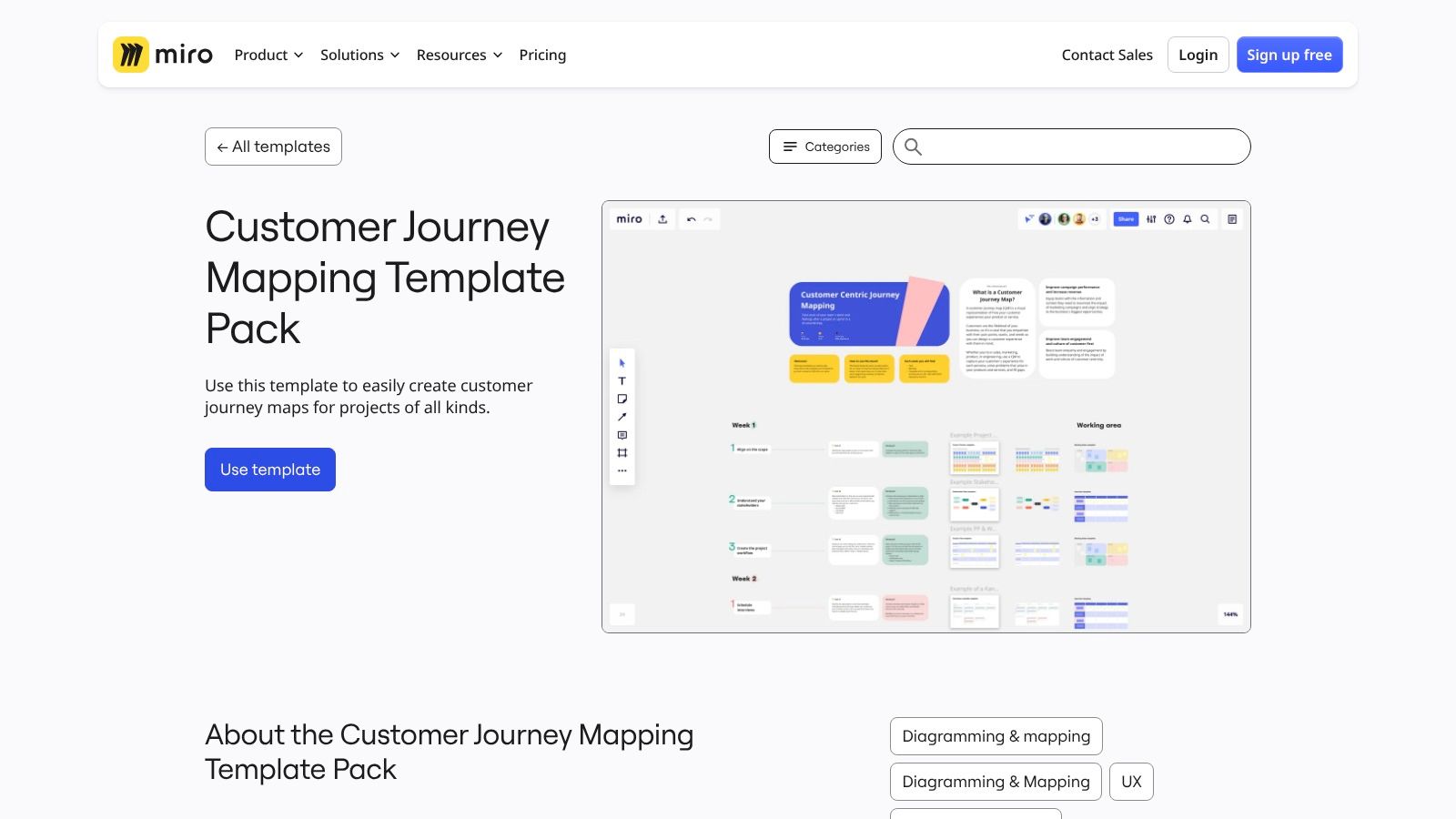
The platform shines during live or remote workshops. Facilitators can use features like a built-in timer, voting tools, and private sticky notes to engage participants and gather insights efficiently. With a vast ecosystem of free templates, including a dedicated Customer Journey Mapping Pack and countless community-created options, teams can get started in seconds. Miro’s powerful integrations with tools like Jira, Asana, and Slack allow journey maps to become actionable artefacts within existing workflows.
Miro is best for teams that need a dynamic, collaborative space for initial journey mapping workshops, ideation, and stakeholder alignment. It’s perfect for service designers, UX researchers, and workshop facilitators who need to capture ideas live. For instance, a product team can run a remote workshop, inviting stakeholders from sales, support, and marketing to contribute to a journey map in real-time. The visual nature and low barrier to entry make it excellent for ensuring everyone feels involved and their voice is heard before moving the map to a more structured repository.
| Pros | Cons |
|---|---|
| Extremely fast and intuitive for facilitation and remote workshops | Not a specialised repository for managing journey maps at scale |
| Vast template ecosystem and very easy for stakeholders to access | Governance and reporting features require additional setup or higher-tier plans |
| Excellent for live collaboration with engaging facilitation tools | Lacks the data integration and analytics capabilities of dedicated journey mapping platforms |
Website: https://miro.com/templates/customer-journey-mapping-pack/
Mural is an enterprise-grade collaborative digital whiteboard designed for real-time teamwork, making it an excellent platform for facilitating live customer journey mapping workshops. While not a dedicated journey mapping tool, its strength lies in its infinite canvas and rich set of facilitation features, which empower teams to brainstorm, synthesise research, and build maps together in a dynamic and engaging environment. It excels at the messy, creative beginning of the mapping process.
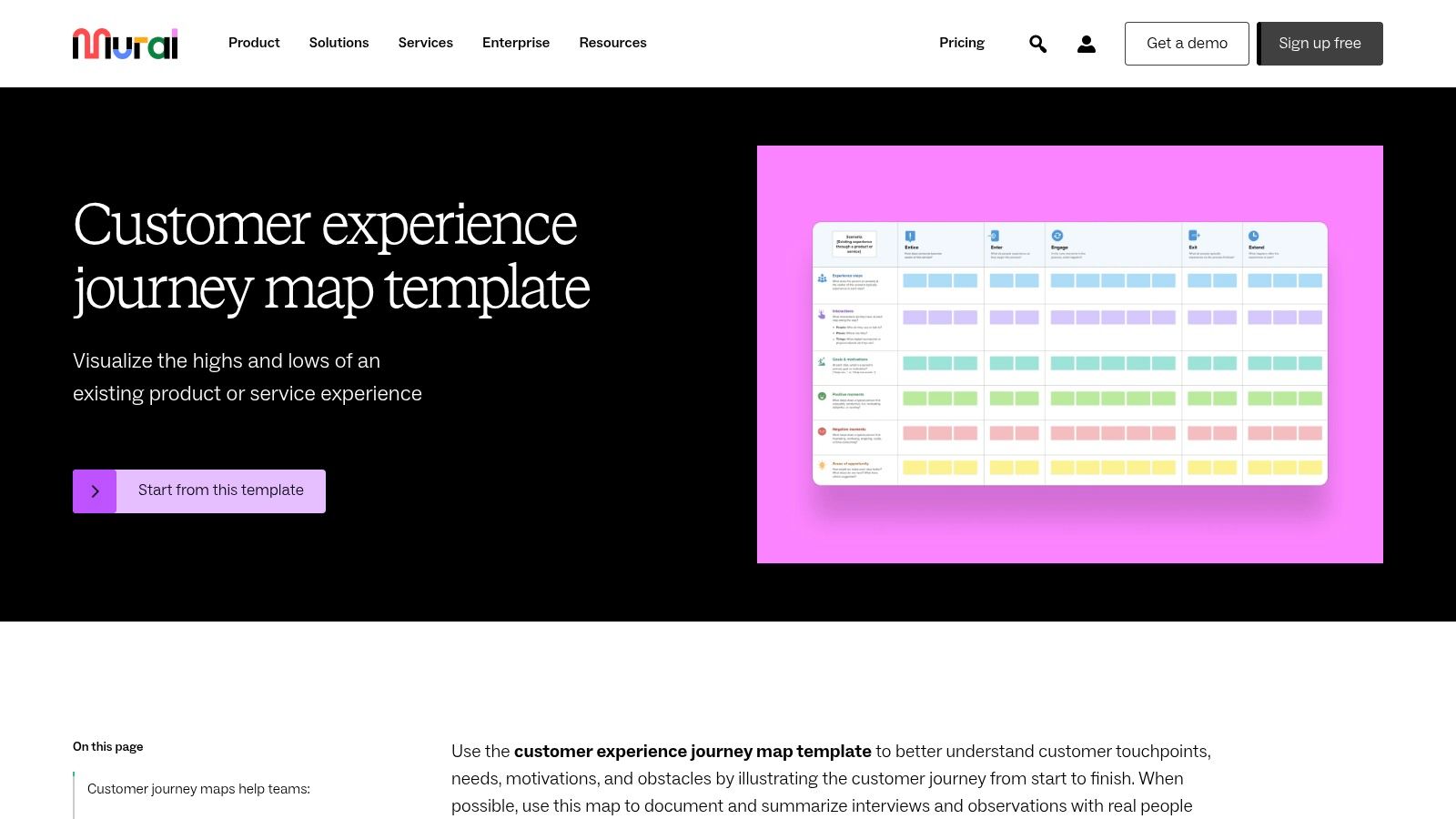
The platform comes equipped with a library of templates, including several for customer and employee journey maps, which provide a solid starting point for any session. Its feature set is organised around making remote and hybrid collaboration feel seamless, with tools like timers, voting sessions, and private modes. Unlimited guest editors on paid plans make it easy to bring in stakeholders from across the organisation without added friction.
Mural is best suited for teams that need a powerful tool for live, collaborative workshops and ideation sessions. It is ideal for UX designers, researchers, and product managers who facilitate discovery workshops to build initial journey maps with cross-functional participation. For example, a team can use Mural to collectively analyse interview notes on digital sticky notes, group them into themes, and then drag them directly onto a journey map template, all within the same shared space. The focus is on collaboration and idea generation rather than data integration or map management.
| Pros | Cons |
|---|---|
| Excellent for live workshops and real-time team collaboration | Lacks purpose-built features like data integration or map portfolio views |
| Generous free plan and unlimited guests on paid tiers | Not designed for managing a complex system of interconnected journey maps |
| Intuitive and flexible whiteboard interface | Can feel less structured than dedicated customer journey mapping tools |
Website: https://mural.co/templates/customer-journey-map
Lucid offers a powerful visual collaboration suite that combines the freeform ideation of Lucidspark with the structured diagramming of Lucidchart. While not a dedicated journey mapping platform, its versatility makes it a popular choice for teams that need to brainstorm, formalise, and connect their customer experience workflows. It excels at facilitating the entire process, from initial workshop sessions in a digital whiteboard to creating polished, detailed process maps.
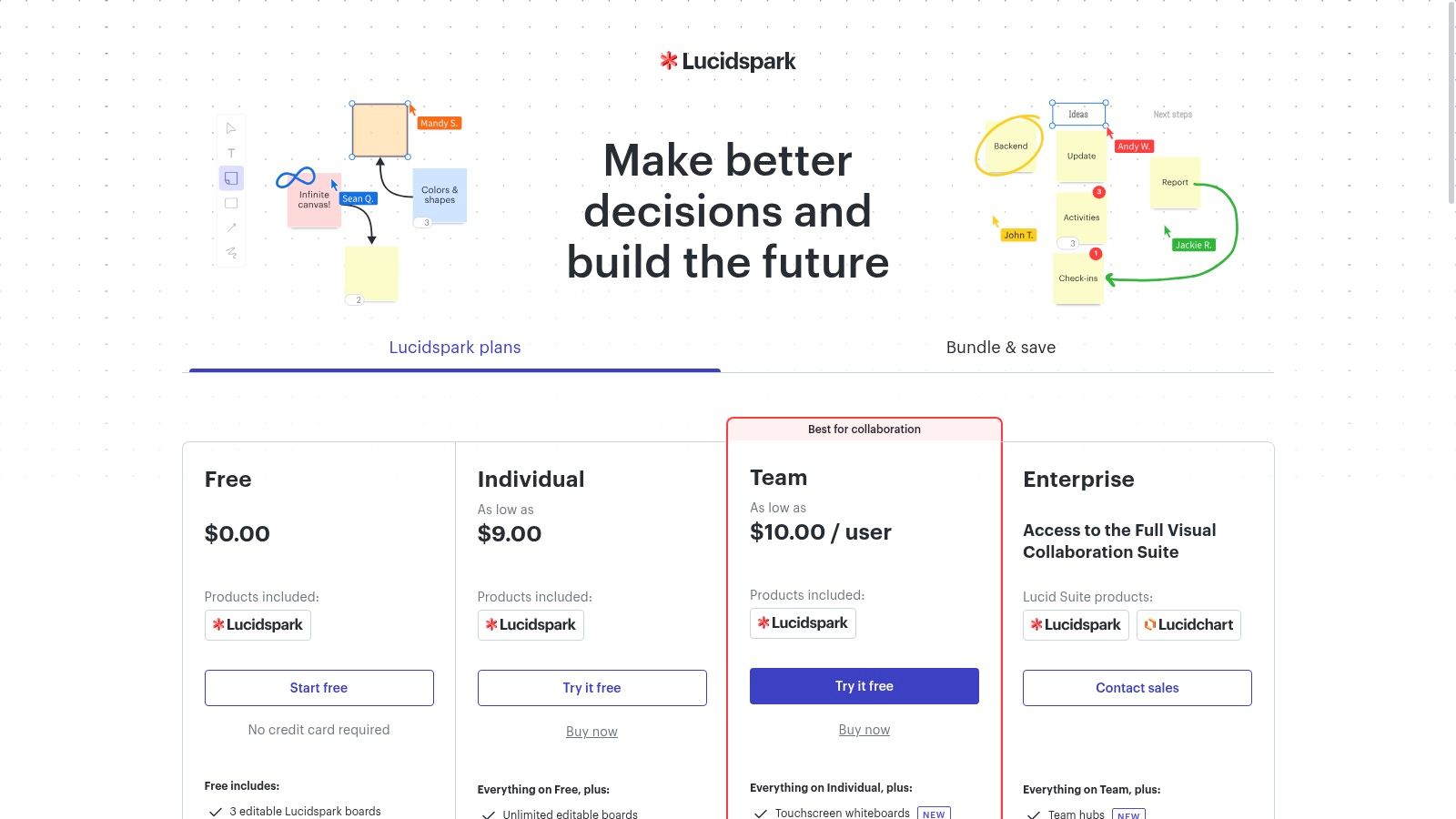
The suite's key advantage is the seamless transition from discovery to documentation. Teams can use Lucidspark's infinite canvas and sticky notes for collaborative brainstorming workshops, then switch to Lucidchart to build organised, data-linked diagrams like service blueprints or complex flowcharts. Its extensive template library provides a solid starting point for various customer journey mapping tools and techniques, while integrations with Jira, Salesforce, and Microsoft 365 ensure that maps can be connected to real-world data and workflows.
Lucid is best for large organisations and enterprise teams that already use the suite for other diagramming and whiteboarding needs. It's ideal for mapping out internal processes and service blueprints that support the customer journey. For example, a product team can use Lucidspark for a brainstorming session and then link the outcomes to Lucidchart, where they create a detailed process flow that integrates directly with Jira tickets, providing a clear line of sight from customer pain point to development task.
| Pros | Cons |
|---|---|
| Combines discovery whiteboarding and formalised diagramming in one suite | Lacks dedicated journey-specific features like persona repositories or analytics |
| Enterprise-grade security and integrations suitable for large organisations | Can become expensive as you add more users and require advanced features |
| Extensive template library for a wide range of business diagrams | The user experience is less tailored than a purpose-built mapping tool |
Website: https://lucid.app/pricing/lucidspark
FigJam is Figma's collaborative online whiteboard, designed for brainstorming, workshopping, and diagramming. While not a specialised journey mapping application, its seamless integration with the Figma design ecosystem makes it one of the most practical customer journey mapping tools for design-led teams. It leverages the familiarity of the Figma interface to provide a flexible, free-form canvas for mapping out user experiences with powerful collaborative features.
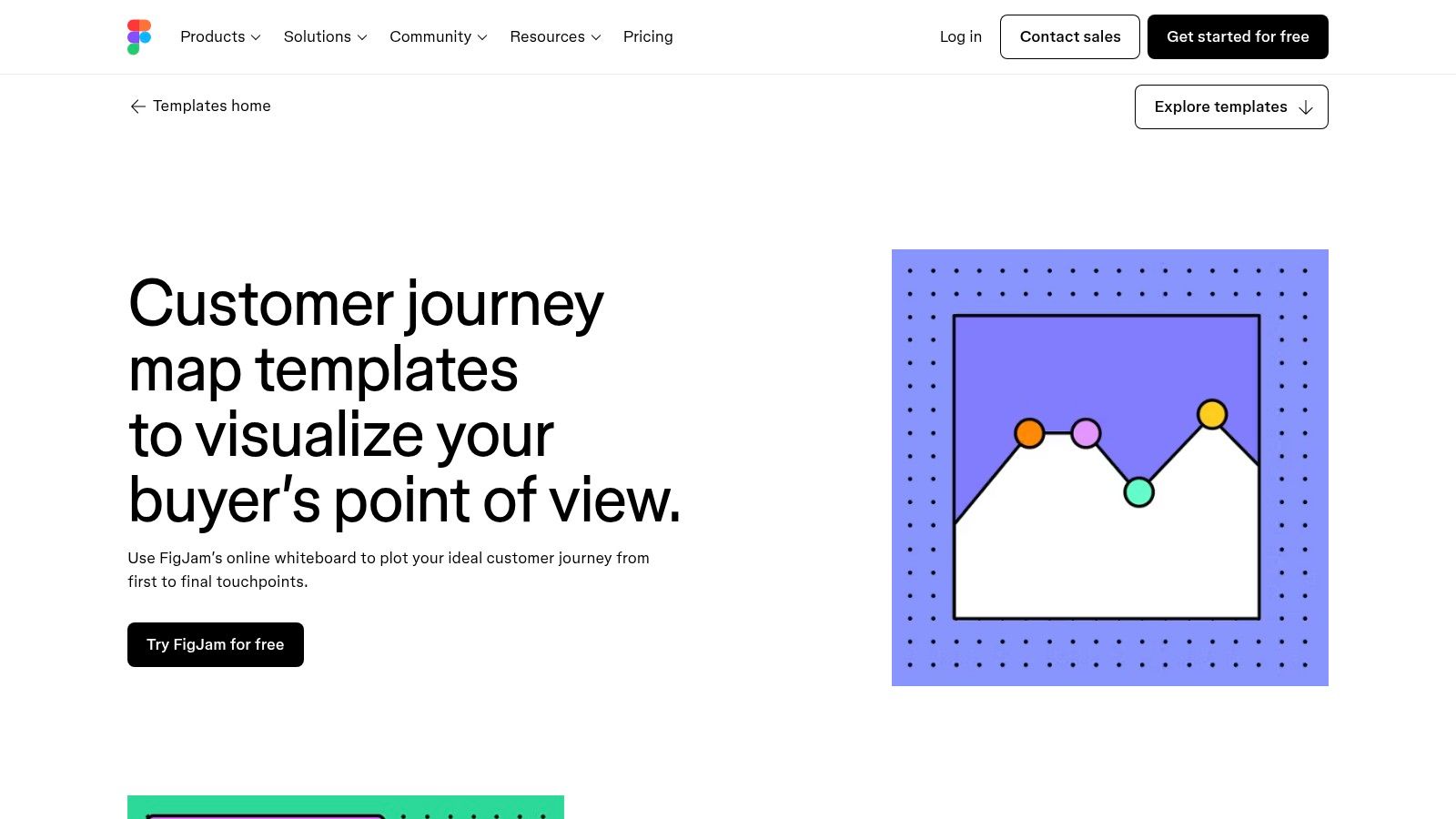
The platform shines during live, interactive sessions. Features like sticky notes, stamps, audio chat, and pre-built diagramming widgets make it easy to run engaging workshops with stakeholders. Teams can start from scratch or use one of Figma's official customer journey map templates to get going quickly. The ability to pull components, mockups, and prototypes directly from Figma libraries into a FigJam board is a game-changer for connecting abstract journey stages to tangible design assets.
FigJam is best for product design, UX, and marketing teams already embedded in the Figma workflow. Its primary use case is for collaborative, workshop-style mapping sessions where the goal is to ideate and align rather than to create a data-driven, canonical map. For example, a UX team can host a workshop with product managers and developers, using FigJam to map a proposed feature's journey and pulling in wireframes from Figma to visualise each touchpoint. Its "Open Sessions" allow external stakeholders to join and contribute for free, simplifying feedback collection.
| Pros | Cons |
|---|---|
| Seamless integration with Figma for a unified design workflow | Lacks dedicated data integration or analytics features |
| Excellent for live collaboration and stakeholder workshops | Minimal journey governance and portfolio management for larger organisations |
| Generous free tier and easy sharing with external collaborators | Not ideal for creating highly structured, version-controlled repository maps |
Website: https://www.figma.com/templates/customer-journey-map/
While not a dedicated CX platform, Canva has become a surprisingly effective and accessible tool for creating visually engaging customer journey maps. This Australian-founded design powerhouse offers a vast library of templates, making it an excellent starting point for teams that need to produce polished, presentation-ready diagrams quickly and without a steep learning curve. Its strength lies in its simplicity and design flexibility, positioning it as one of the best customer journey mapping tools for workshops, initial brainstorming, and high-level stakeholder communication.
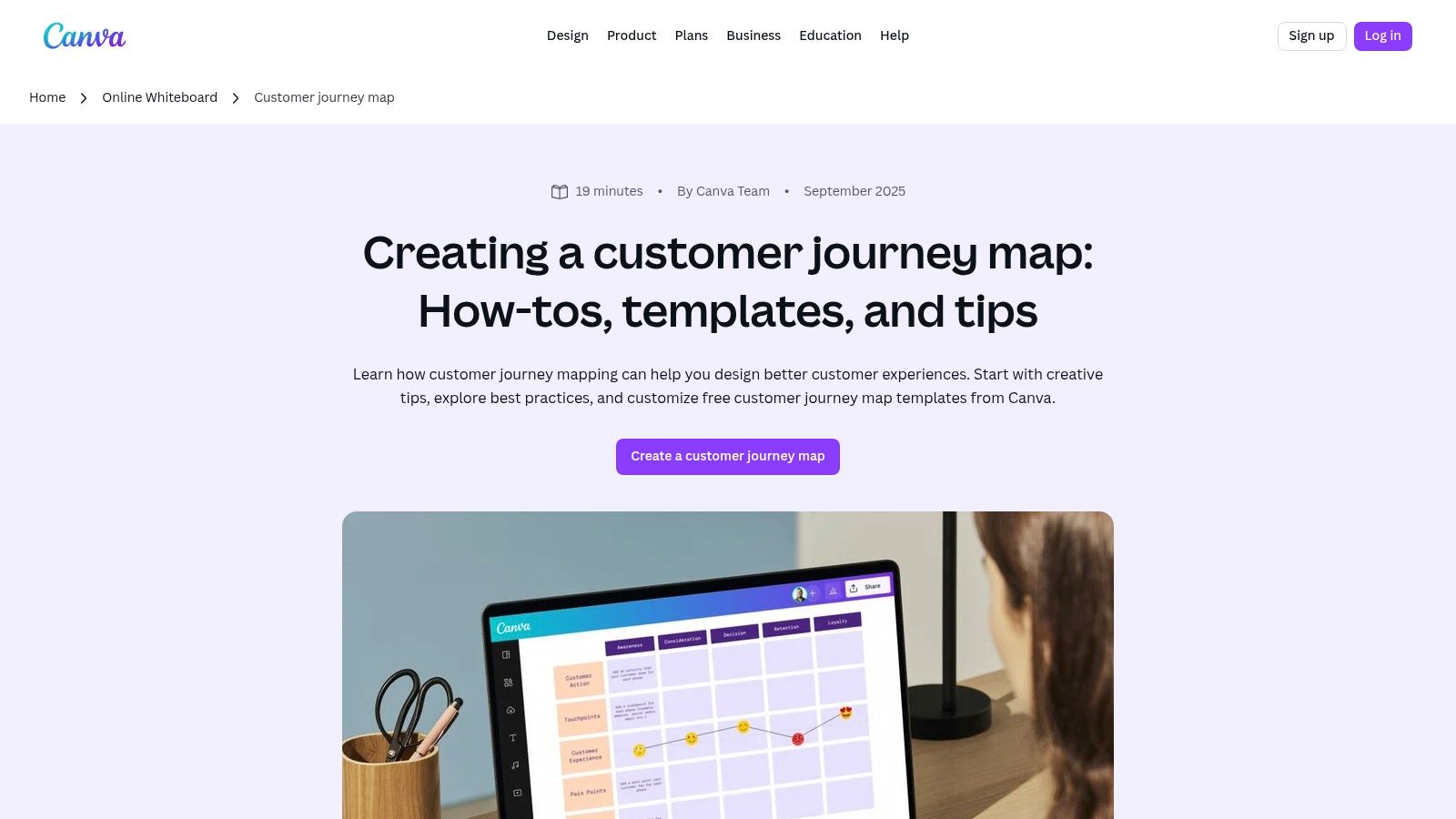
Canva's online whiteboard and diagram features provide a collaborative canvas where teams can build maps using pre-made or custom elements. With rich graphics, icons, and brand kit integration, it’s easy to ensure every map aligns perfectly with your company’s visual identity. The real-time collaboration and commenting features make it a solid choice for teams working together to visualise a customer’s experience for the first time.
Canva is best suited for marketing teams, startups, and agencies that prioritise speed and visual appeal over deep data analytics. It's the perfect tool for creating a high-fidelity map to present in a board meeting or a client pitch where clarity and design quality are paramount. For example, a marketing manager can quickly mock up a campaign journey, share it with the team for feedback via a simple link, and then export it as a high-resolution PDF or PNG for inclusion in a report, all within a matter of hours.
| Pros | Cons |
|---|---|
| Extremely easy for non-designers to create professional-looking outputs | Lacks advanced journey analytics, data integration, or governance features |
| Excellent for fast, polished deliverables for stakeholder presentations | Not designed for managing complex, dynamic, or data-driven journey maps |
| Supports AUD billing and is well-supported for local Australian teams | Can become a static document rather than a living, evolving CX tool |
Website: https://www.canva.com/online-whiteboard/customer-journey-map/
JourneyTrack is an enterprise-grade customer journey management platform designed for organisations that need to govern and scale their customer experience programs. It goes beyond simple visualisation, offering a robust management layer that combines journey mapping with AI-driven personas, storytelling, and deep data integration. This makes it one of the more powerful customer journey mapping tools for businesses focused on operationalising their CX insights across the entire company.
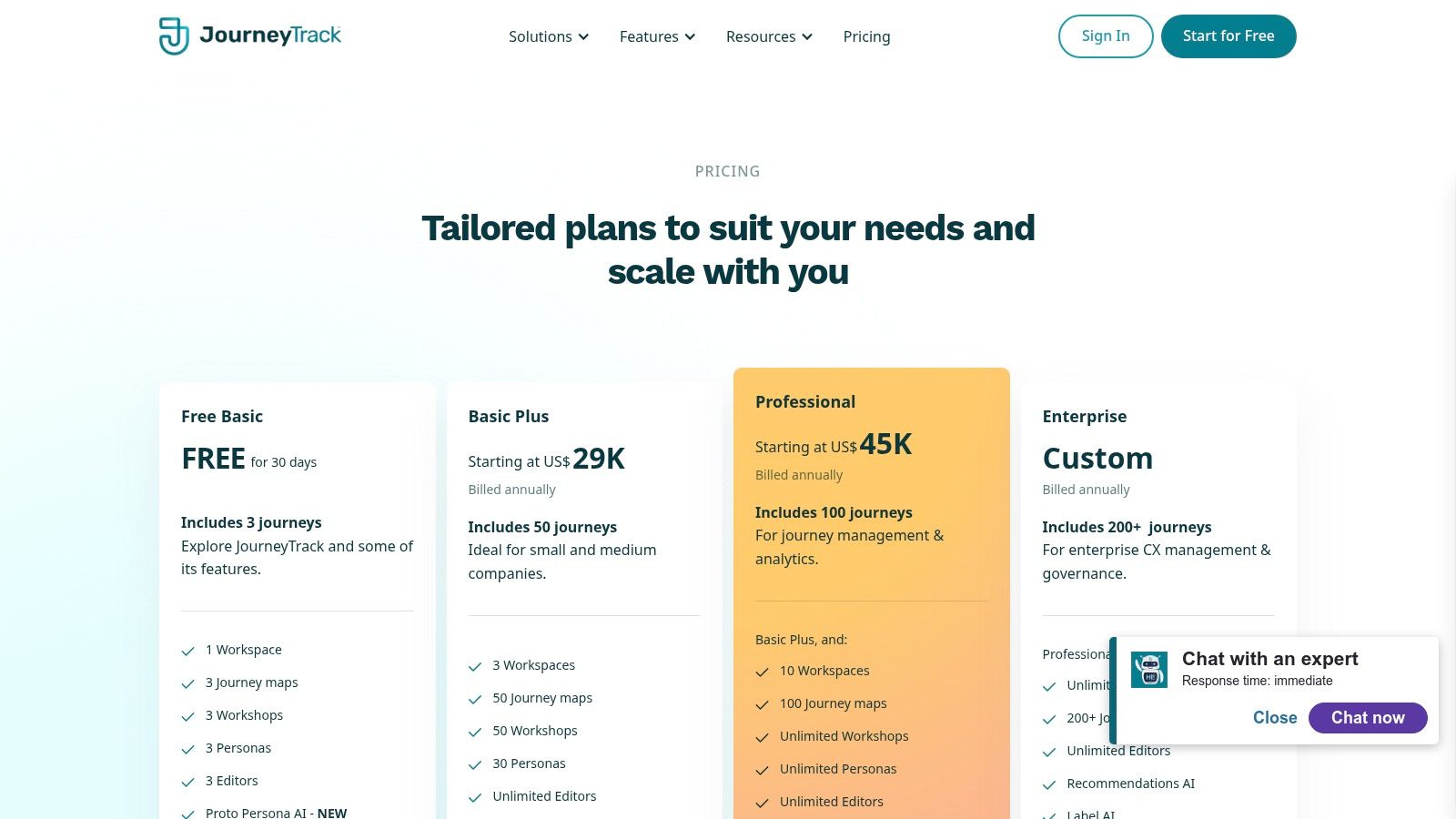
The platform’s strength is its ability to centralise and manage a "Journey Atlas," a complete repository of all customer journeys. This allows teams to connect maps, analyse health metrics, and identify high-value opportunities with AI-powered scoring. JourneyTrack’s suite of AI features, including Proto Persona AI and Journey AI, helps automate the creation and analysis process, while its integrations with major CX suites like Medallia and Qualtrics, as well as tools like Miro, Figma, and Jira, ensure it fits into existing workflows.
JourneyTrack is best suited for mid-market to enterprise-level organisations that require a centralised, secure, and scalable system for managing their entire journey mapping program. It's ideal for CX teams that need to prove ROI by connecting journey improvements to business metrics. For example, a large financial institution could use JourneyTrack to map hundreds of customer journeys, track their performance with health metrics fed from Tableau, and use AI-driven opportunity scoring to prioritise which CX projects will have the greatest financial impact.
| Pros | Cons |
|---|---|
| Robust management layer for governance, metrics, and program scale | Price point is aimed squarely at mid-market to enterprise clients |
| High security certifications including SOC 2 Type II and ISO 27001 | Fewer third-party reviews compared to more established platforms |
| Powerful AI and integration capabilities with major CX and BI tools | May be overly complex for small teams needing simple mapping capabilities |
Website: https://www.journeytrack.io/pricing
Adobe Journey Optimizer is less of a pure mapping tool and more of an enterprise-grade journey orchestration and personalisation engine. Part of the expansive Adobe Experience Cloud, it’s designed for organisations that want to move beyond visualising the customer path to actively managing and optimising it in real-time. It’s a powerful platform for designing, triggering, and measuring individualised, multi-channel customer journeys at scale.
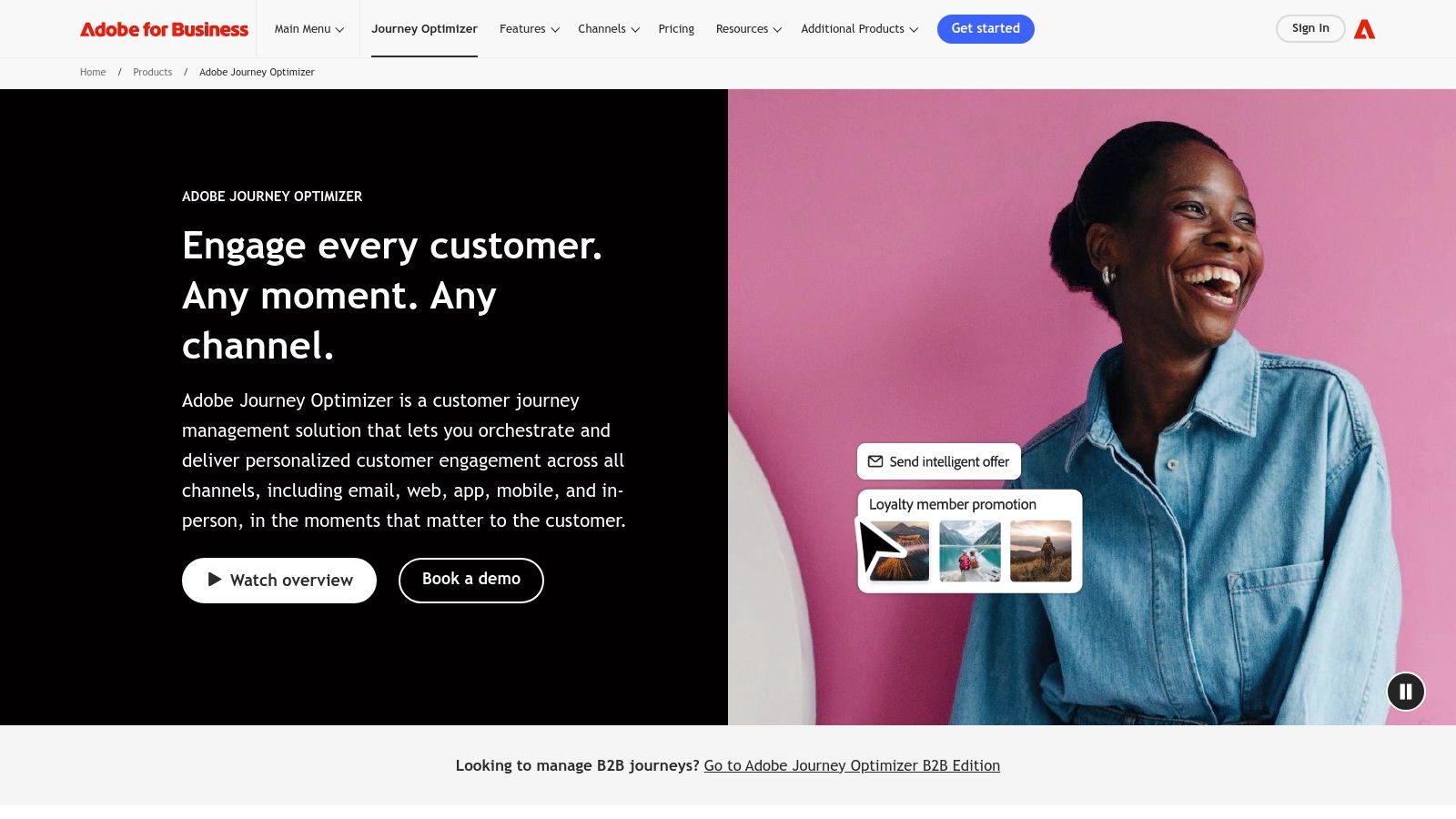
The platform's core strength is its deep integration with the Adobe Experience Platform, allowing it to leverage a unified customer profile built from data across all touchpoints. This enables businesses to deliver highly contextual messages and experiences through email, push notifications, and web channels. Its visual journey canvas allows teams to build complex, trigger-based workflows, using AI to determine the next best action for each customer.
Adobe Journey Optimizer is built for large enterprises already invested in or planning to adopt the Adobe ecosystem. It is ideal for data-driven marketing teams that need to orchestrate complex, real-time campaigns across millions of customers. For instance, a major e-commerce brand can use it to send a personalised offer via push notification the moment a customer abandons their cart, then follow up with a tailored email based on their browsing history. It goes far beyond static mapping, turning insights into automated actions. To understand how this fits into a broader strategy, you can read more about what is marketing automation on virtualadagency.com.au.
| Pros | Cons |
|---|---|
| Deep integration with Adobe Experience Platform and content tools | Pricing is custom and typically high, suited for enterprise TCO |
| Enterprise-grade scalability and governance for large organisations | Overkill for teams that only need standalone journey mapping tools |
| Real-time orchestration and AI-driven personalisation capabilities | Steep learning curve and requires specialised implementation resources |
Website: https://business.adobe.com/products/journey-optimizer.html
Salesforce Marketing Cloud is an enterprise-level platform where customer journey mapping evolves into active journey orchestration. Its Journey Builder tool allows marketers to design and automate campaigns that react to customer behaviour in real-time across multiple channels like email, SMS, and social media. This platform moves beyond simple visualisation, making it one of the most powerful customer journey mapping tools for organisations that need to connect their maps directly to execution and automation within a unified CRM ecosystem.
The platform’s core strength is its native integration with the broader Salesforce ecosystem, including Sales Cloud and Data Cloud. This allows for deeply personalised journeys based on a complete, 360-degree view of the customer. The drag-and-drop interface simplifies the process of building complex, multi-path journeys, while advanced features enable A/B testing of different paths and sophisticated cross-channel analytics to measure performance and optimise outcomes.
Salesforce Marketing Cloud is best suited for large enterprises with established marketing operations teams that need to manage sophisticated, multi-channel customer interactions at scale. It’s ideal for scenarios where journey maps must trigger automated actions based on live customer data. For example, a retail company can create a journey that sends a cart abandonment email, followed by an SMS offer 24 hours later, and then alerts a sales representative if the customer still hasn’t purchased, all orchestrated from one visual canvas.
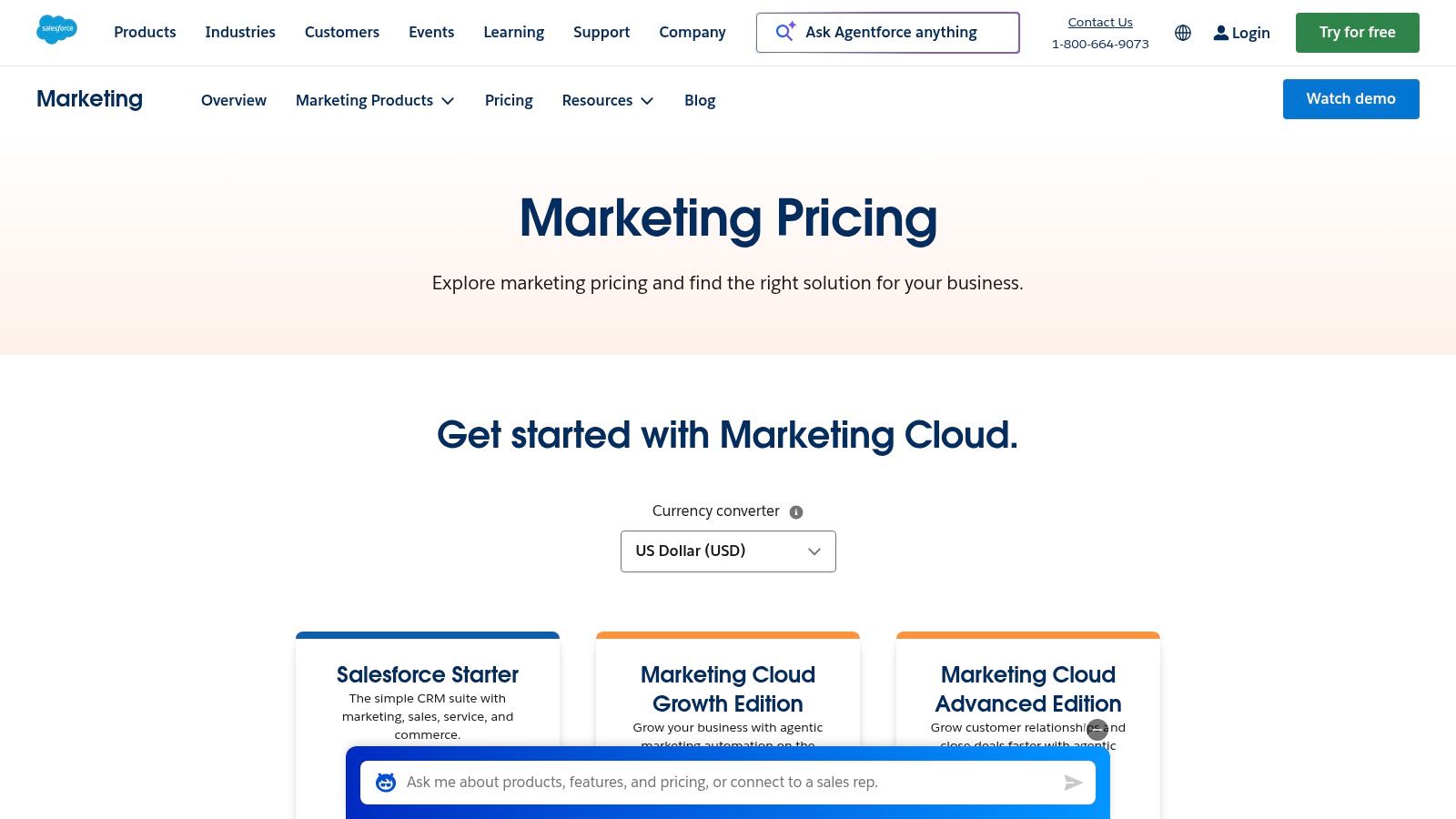
Salesforce offers several editions for its Marketing Cloud Engagement platform, with pricing often customised for enterprise needs. Published pricing is available for different tiers:
| Pros | Cons |
|---|---|
| Deep integration with Salesforce CRM and Data Cloud | High cost and complexity make it unsuitable for simple mapping tasks |
| Powerful automation across email, SMS, push, and social channels | Requires specialised marketing operations expertise to maximise value |
| Scalable for enterprise-level multi-channel campaign orchestration | The focus is on execution rather than purely conceptual mapping |
Website: https://www.salesforce.com/marketing/pricing/
| Platform | Core Features & Integrations | User Experience & Quality Metrics | Value Proposition | Target Audience | Price Points & Plans |
|---|---|---|---|---|---|
| UXPressia | CJM editor, AI personas, Google Analytics, Slack integration | Easy-to-use, professional outputs, version history | Purpose-built CJM with AI assistance | Professionals needing CJM tools | Tiered plans; some features locked |
| Smaply | Journey hierarchies, governance, SSO, Power BI integration | Deep journey management, strong onboarding support | Advanced journey management & portfolio | Service design & journey managers | Tiered with onboarding/coaching |
| Custellence | Unlimited viewers, role permissions, exports (PDF, CSV) | Team-friendly pricing, scalable large map libraries | Scalable CJM with broad stakeholder access | Large teams & programs | Paid per workspace; free tier |
| Milkymap | AI assistants, templates, team collaboration | Low-cost, 30-day trial on business plan | AI-enabled CJM for mapping and management | Cost-conscious and single users | Affordable single-user plans |
| Miro | Free CJM templates, real-time collaboration | Fast facilitation, vast template ecosystem | Online whiteboard ideal for workshops | Teams needing collaboration | Free & paid plans |
| Mural | CJM templates, guest editors, enterprise SSO | Strong workshop tools, clear pricing | Enterprise-grade collaboration | Enterprises & workshop leaders | Free starter and business tiers |
| Lucid (Lucidchart + Lucidspark) | Whiteboarding + diagramming, Jira & Salesforce integration | Combines informal + formal diagrams | Visual collaboration for discovery & mapping | Large organizations, diagram users | Various editions, price varies |
| FigJam (Figma) | CJM templates, design integration, audio chat | Design-led collaboration, simple sharing | Best for Figma users and design teams | Design teams | Free and paid plans |
| Canva | CJM templates, rich graphics, collaboration | Easy polished outputs for non-designers | Fast, visually appealing CJM deliverables | Non-designers & marketing teams | Free & paid plans with AUD support |
| JourneyTrack | AI personas, health metrics, CX integrations | Robust governance, enterprise-grade security | Scalable enterprise journey management | Mid-market to enterprise | Enterprise pricing |
| Adobe Journey Optimizer | AI-driven orchestration, multi-channel messaging | Enterprise scalability, deep Adobe ecosystem integration | All-in-one journey orchestration | Large enterprises | Custom, typically high cost |
| Salesforce Marketing Cloud | Multi-channel journey builder, CRM integration | Powerful analytics, cross-channel experimentation | Native Salesforce ecosystem integration | Enterprise marketing operations | Published tiered pricing (AUD) |
Navigating the landscape of customer journey mapping tools can feel overwhelming, but as we've explored, the perfect solution is less about finding a single "best" tool and more about identifying the right fit for your organisation's unique needs, maturity, and objectives. From dedicated, data-rich platforms like UXPressia and Smaply to versatile, collaborative whiteboards like Miro and Mural, the modern toolkit for understanding customer experience is both diverse and powerful.
Our deep dive has revealed a clear spectrum of options. On one end, you have specialised tools designed with the sole purpose of building, analysing, and sharing detailed journey maps. Custellence and Milkymap fall squarely in this category, offering structured frameworks, persona builders, and impact matrices that guide your team through a formalised process. These are ideal for organisations committed to embedding customer-centricity into their core strategy.
On the other end, collaborative platforms like Lucid, FigJam, and Canva have democratised the initial stages of journey mapping. Their flexibility and intuitive interfaces make them perfect for brainstorming sessions, workshop facilitation, and getting cross-functional teams aligned without the steep learning curve of a dedicated tool. They lower the barrier to entry, allowing anyone in the business to start visualising customer interactions.
Then we have the enterprise-level powerhouses: Adobe Journey Optimizer and Salesforce Marketing Cloud. These platforms transcend simple mapping; they are orchestration engines that connect visualised journeys directly to automated, real-time customer interactions. For large organisations with complex data ecosystems, these tools represent the pinnacle of operationalising customer insights, turning static maps into dynamic, revenue-driving engines.
Choosing the right customer journey mapping tools requires a thoughtful evaluation of your internal processes and long-term goals. Before you commit to a subscription, consider the following critical questions:
Your journey into customer-centricity doesn't end with selecting a tool. The implementation is where the real work begins. Start small with a single, high-impact journey. Involve stakeholders from different departments, gather both qualitative and quantitative data, and most importantly, treat your journey map as a hypothesis to be tested and refined.
The ultimate power of these customer journey mapping tools isn't just in the beautifully rendered diagrams they produce. It's in the conversations they spark, the silos they break down, and the shared understanding they build across your entire organisation. By visualising the path your customers take, you illuminate the way forward for your business, ensuring every decision is made with the customer at its centre.
Feeling overwhelmed by the process of mapping, analysing, and optimising your customer journeys? The team at Virtual Ad Agency specialises in transforming customer insights into actionable marketing strategies that drive real results. We help businesses like yours not only choose and implement the right tools but also build the strategic framework to make them effective. Visit Virtual Ad Agency to learn how we can help you turn your customer journey maps into your most powerful growth engine.

 previous